Video Guidelines
In a nutshell, we want each video to be no longer than 5-7 min. We would prefer you to create a series of videos rather than one big lesson video. There is no need to add in intro/outros or graphics, we will do this for you.
Video Platforms
Here are some platforms we recommend to capture and edit your videos:
Camera
- Use a high-definition (HD) camera or a modern smartphone with good video capabilities (1080p or 4K resolution).
- If possible, use a camera with manual settings for exposure, focus, and white balance for more control over the video quality.
Lighting
- Good lighting is essential for clear and well-lit videos.
- Utilize natural light from windows whenever possible, or invest in softbox or LED lights to create even and flattering illumination.
- Avoid harsh shadows and ensure that your face and surroundings are well-lit.
Audio
- High-quality audio is equally important as video quality.
- Ideally, use an external microphone, such as a lavalier or shotgun microphone, to capture clear and crisp audio.
- Minimize background noise by recording in a quiet environment or using soundproofing materials.
Background
- Choose a clean and uncluttered background that is relevant to the content.
- A neutral or professional setting is often preferred for learning videos.
- Consider using a green screen for more versatility in creating custom backgrounds.
Tripod or Stabilization
- Use a tripod or other stabilization equipment to avoid shaky footage.
- Steady shots contribute to a more polished and professional look.
Framing and Composition
- Frame yourself in the center or off-center, following the rule of thirds.
- Ensure there is enough headroom and space around you, but not too much empty space.
- Pay attention to your positioning and gestures to maintain a visually engaging presentation
Script or Outline
- Prepare a script or detailed outline before recording to stay focused and organized.
- Practice your delivery to sound natural and confident.
Editing
Edit your videos to remove mistakes, pauses, and any irrelevant content.
Export and Compression
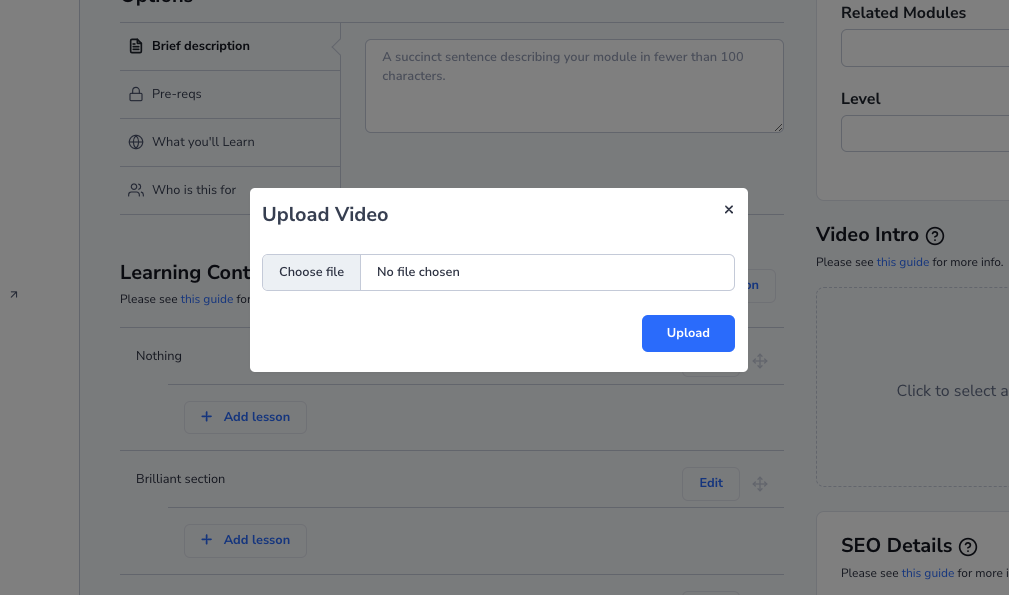
- We recommend videos should not exceed 750MB. You may need to compress them to meet this requirement. There are many free tools available to achieve this.
- We support the following formats: MP4, MOV, WMV, AVI, and FLV